Build the roster, offer open shifts and let staff accept from their phone. See who's clocked on at every site, catch licences before they expire, and have timesheets ready for pay.
No card needed · Built in Perth for security, events and shift-based teams.


So shifts go unfilled, nobody's sure who's actually on site, and pay day means rebuilding hours by hand.
When a client asks who was on site at 2 am, you need an answer — not a scroll through the group chat.
Managers plan and track from any device. Staff get their shifts, offers and alerts on their phone.
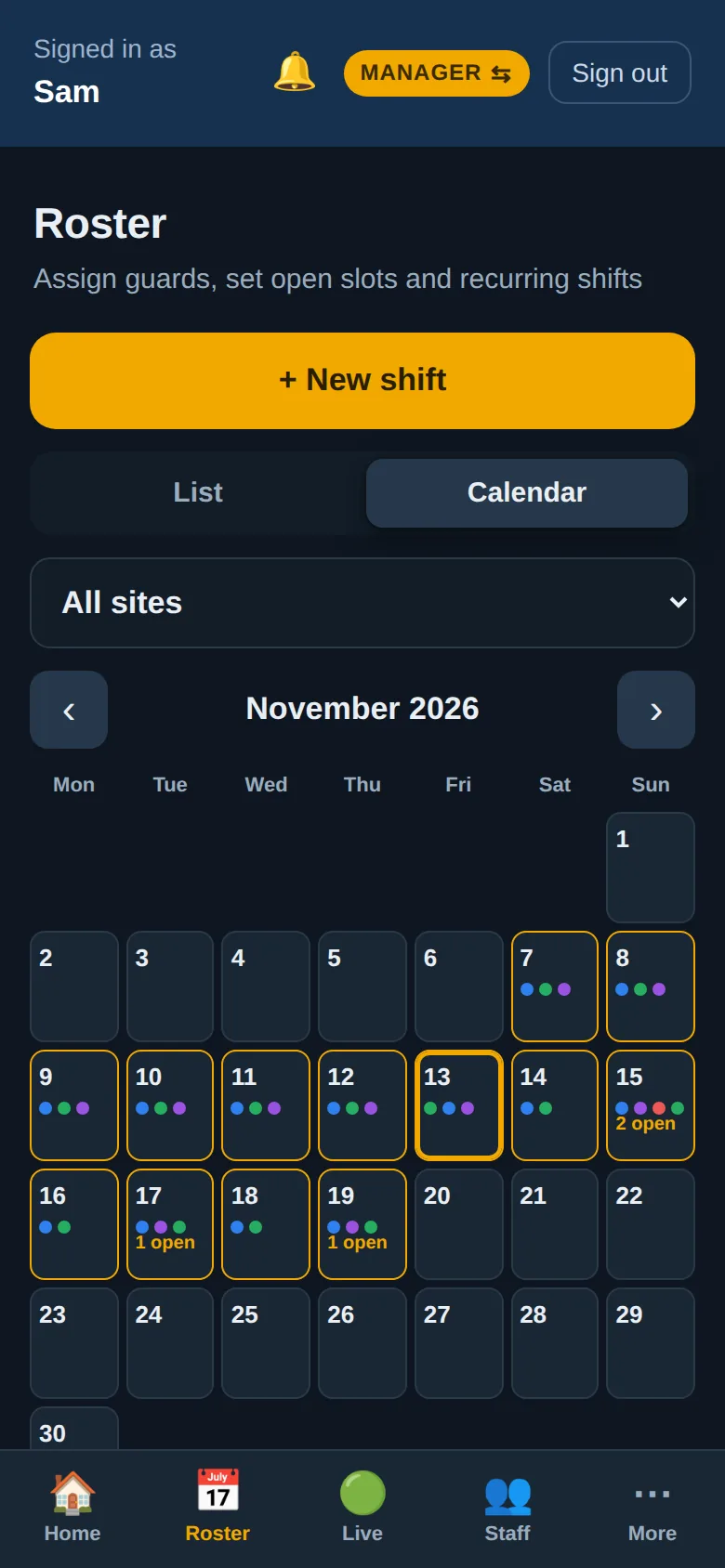
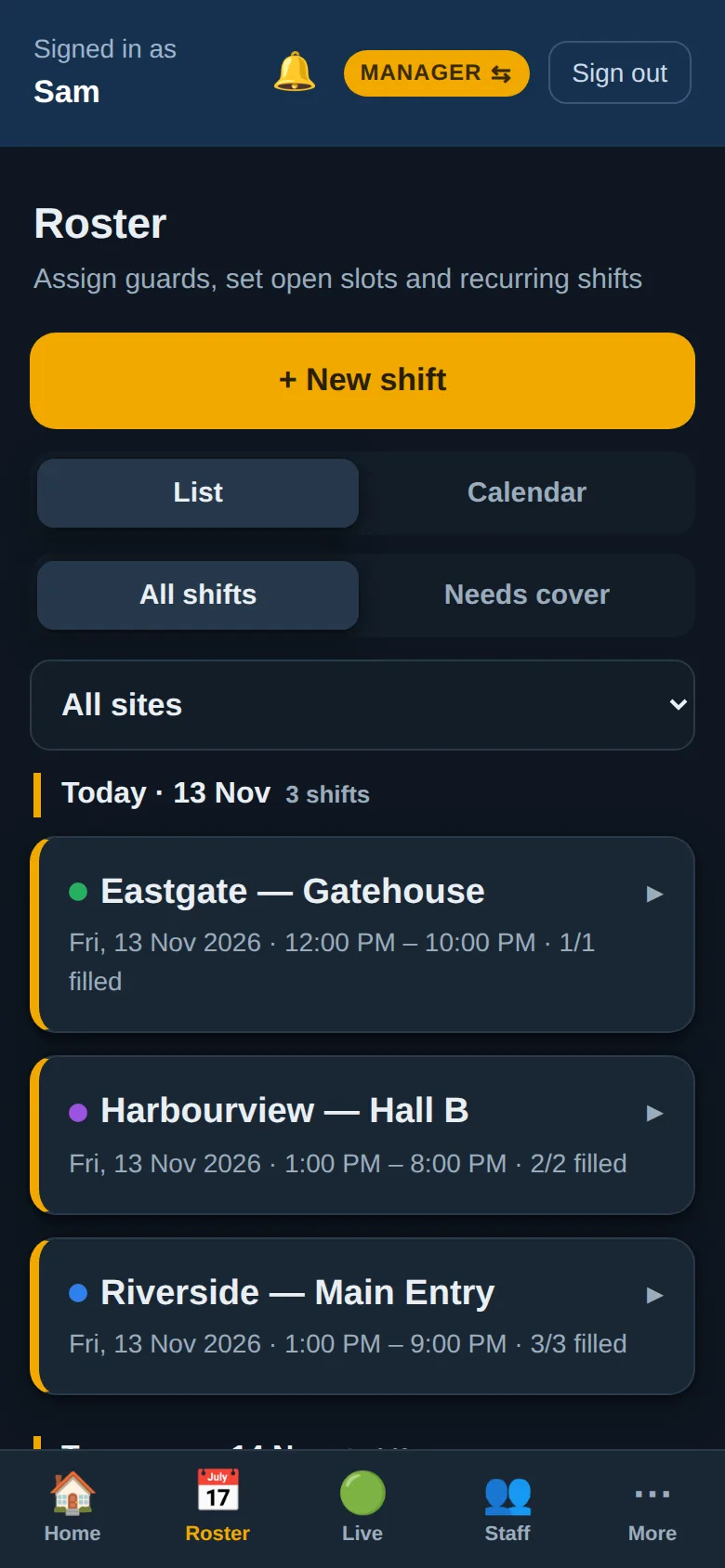
One-off and repeating shifts, several people per shift in different positions, and open slots to fill later.
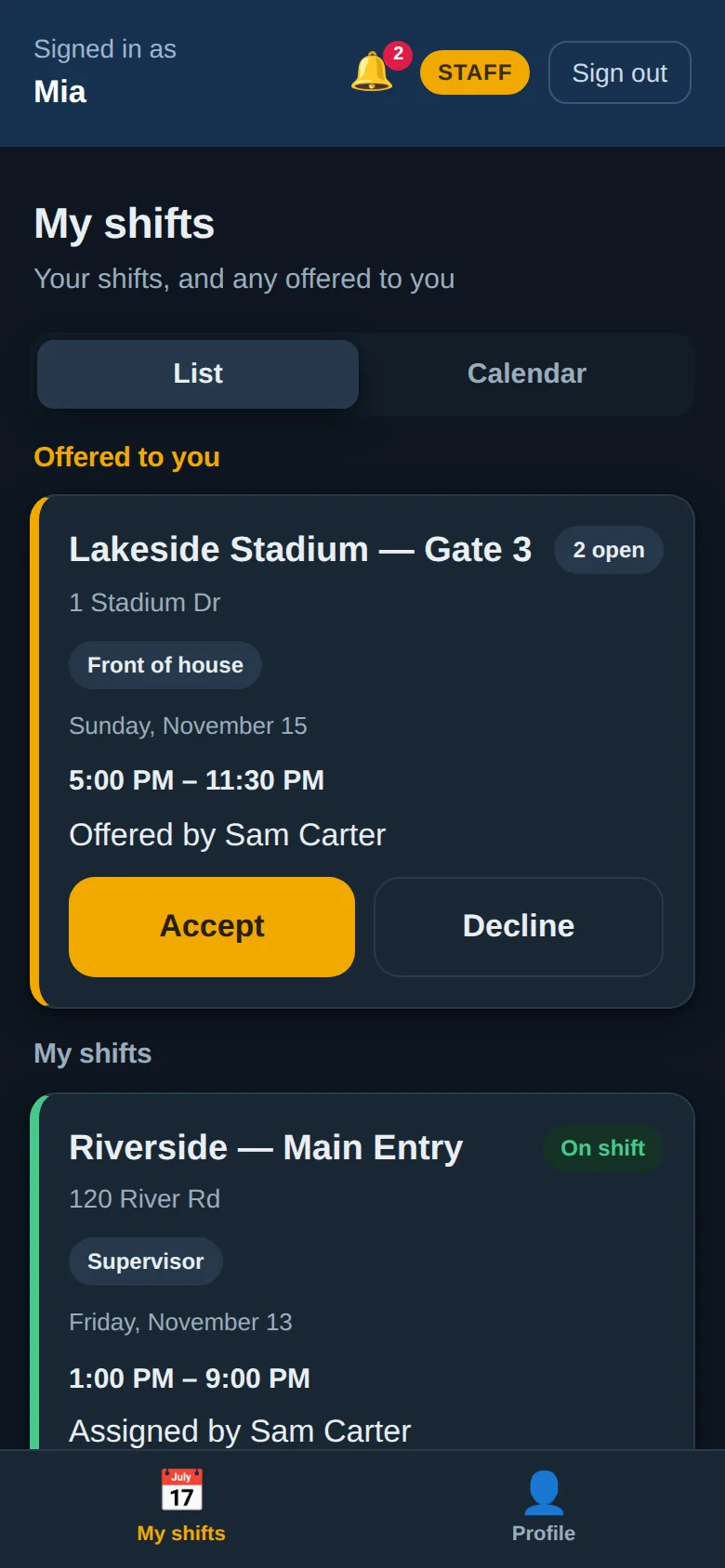
Offer open shifts to a group. The first to accept gets it, and declines are recorded.
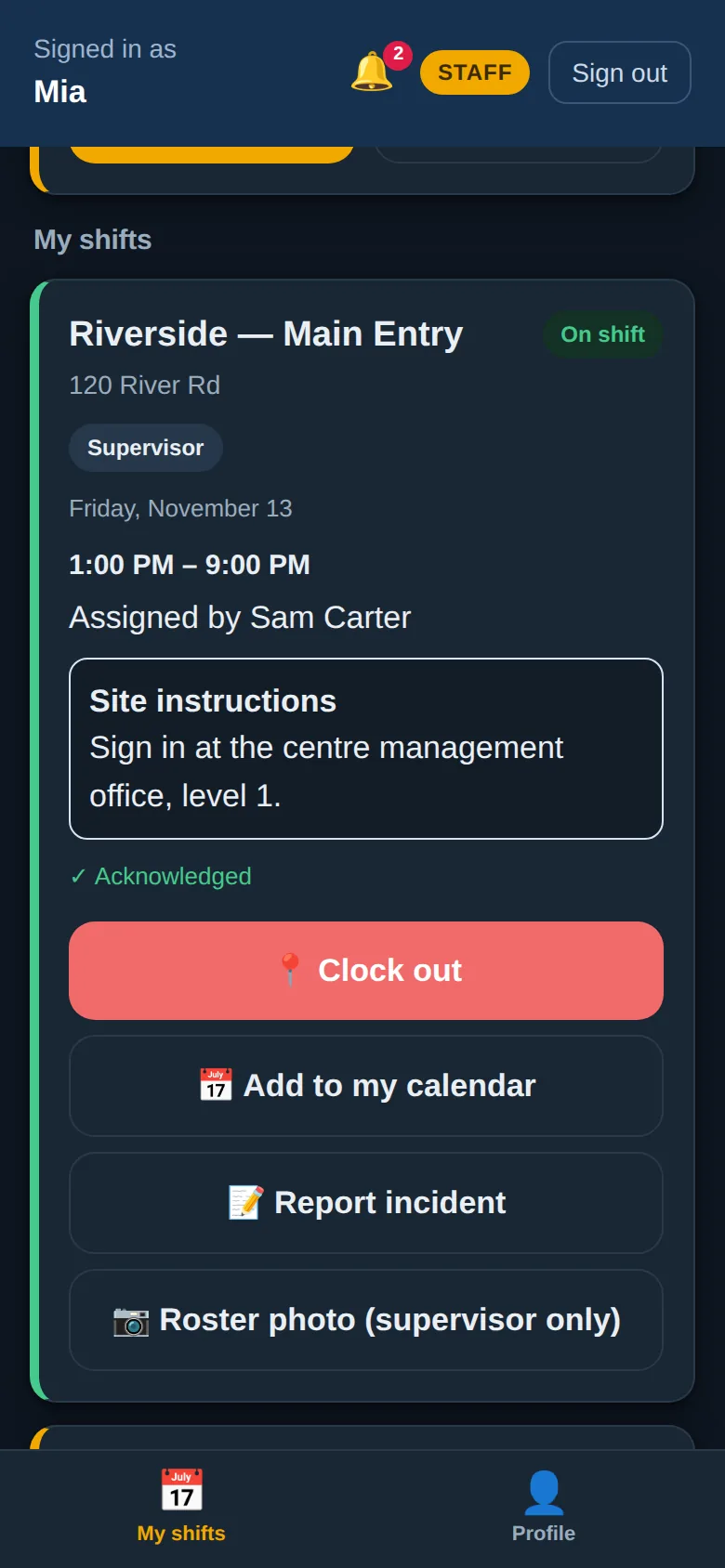
Installs from the browser on Android and iPhone, with notifications for offers, changes and approvals.
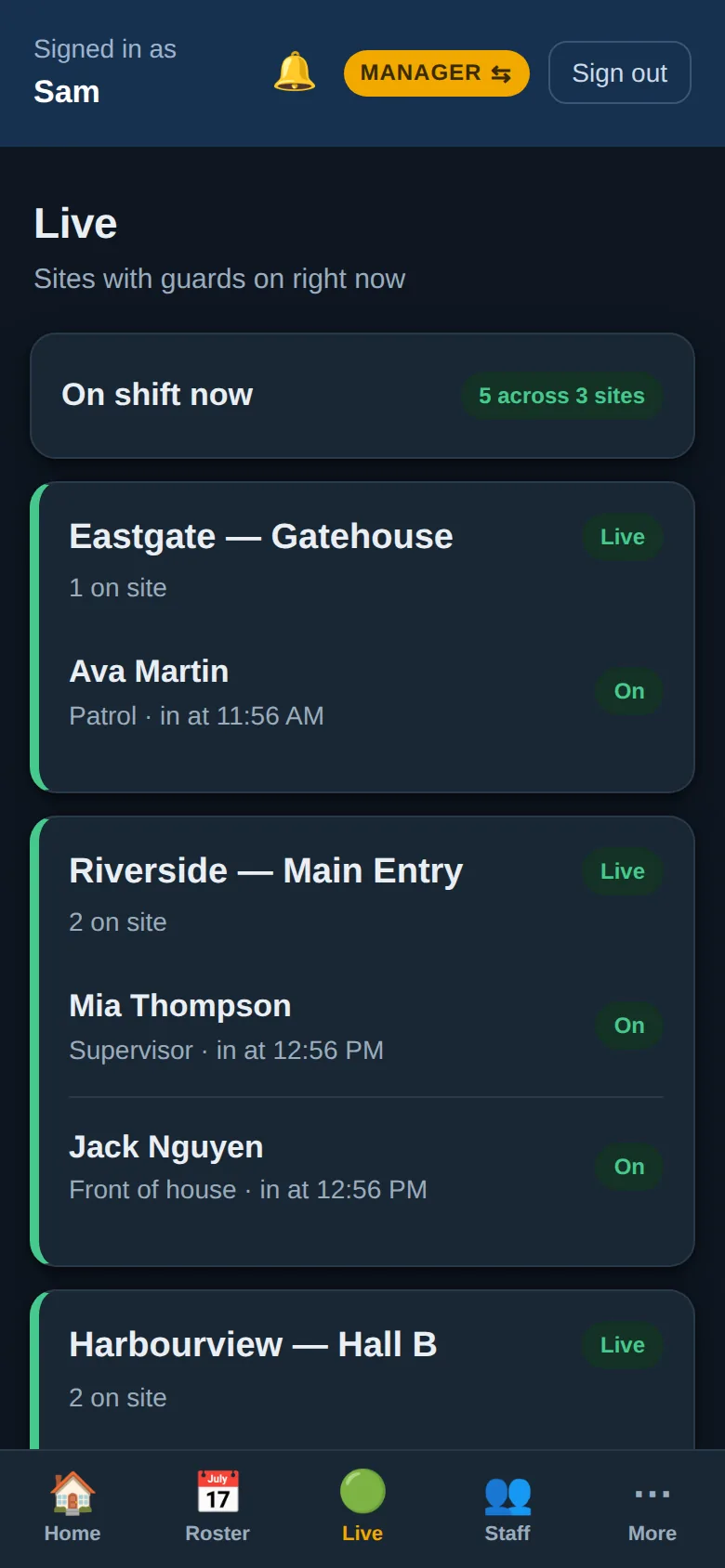
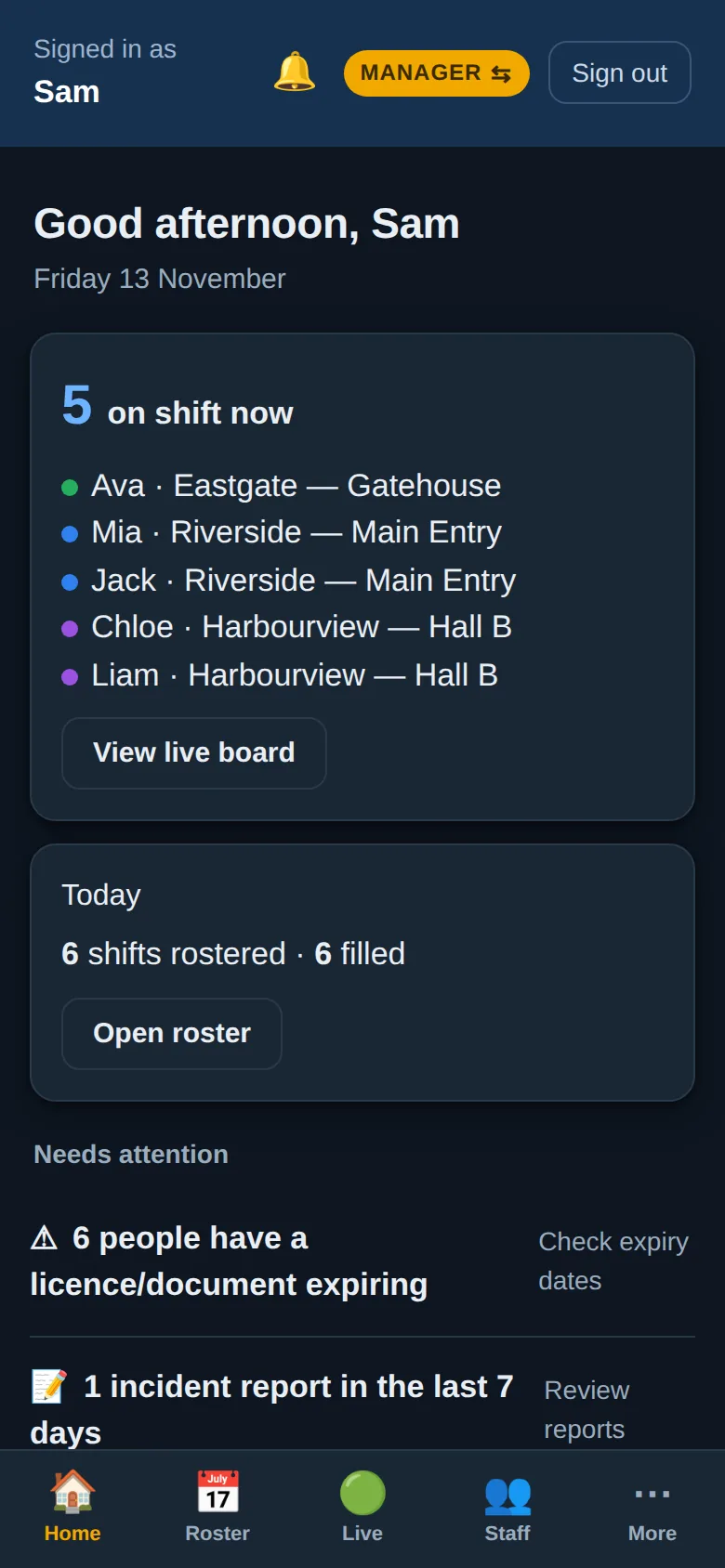
Staff clock in from the site, checked against its boundary. A live board shows who's on where.
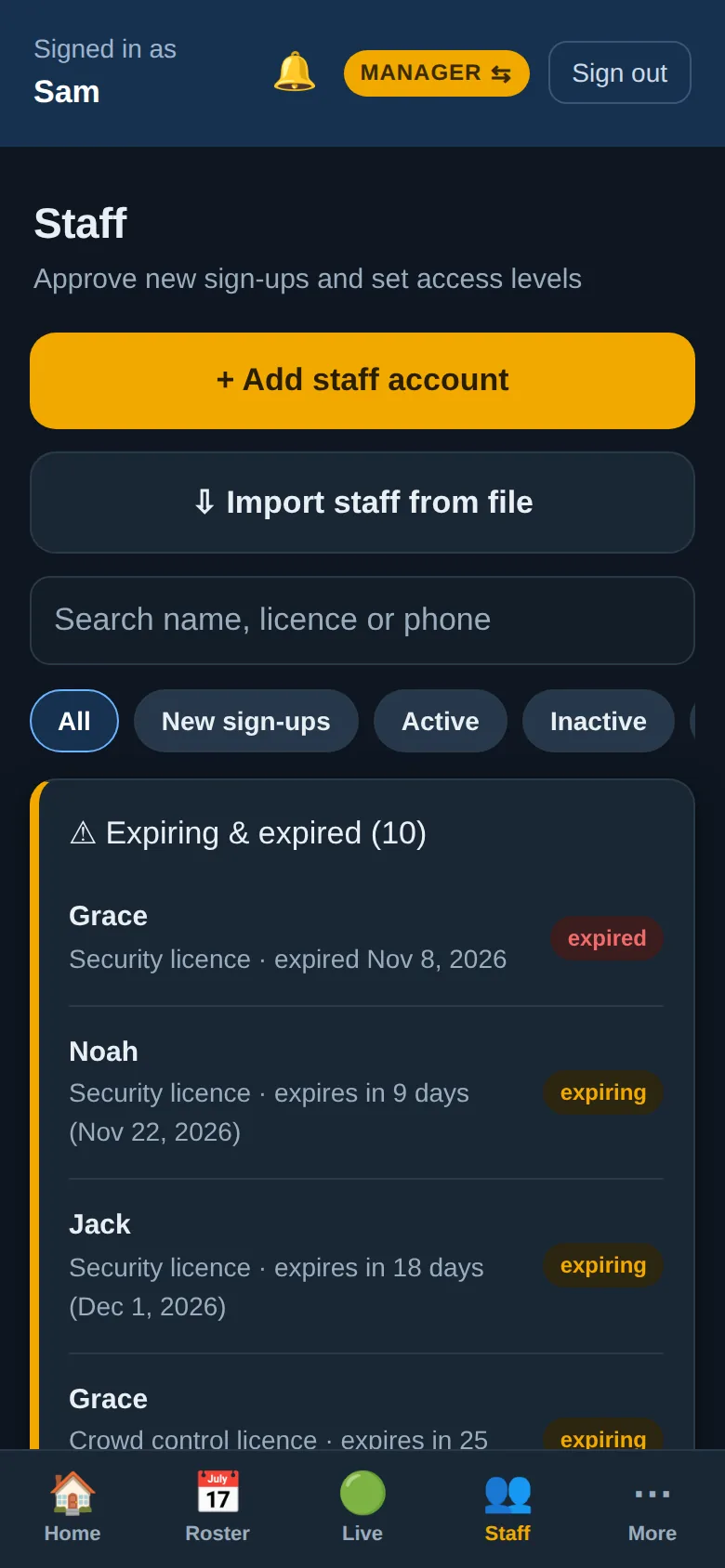
New staff enter their details, upload licences and sign your policies and employment agreement on their phone.
Expiry dates for licences and certificates, with expired and expiring staff flagged on the home screen.
Incident reports with photos filed from the shift, plus sign-on sheet photos from supervisors.
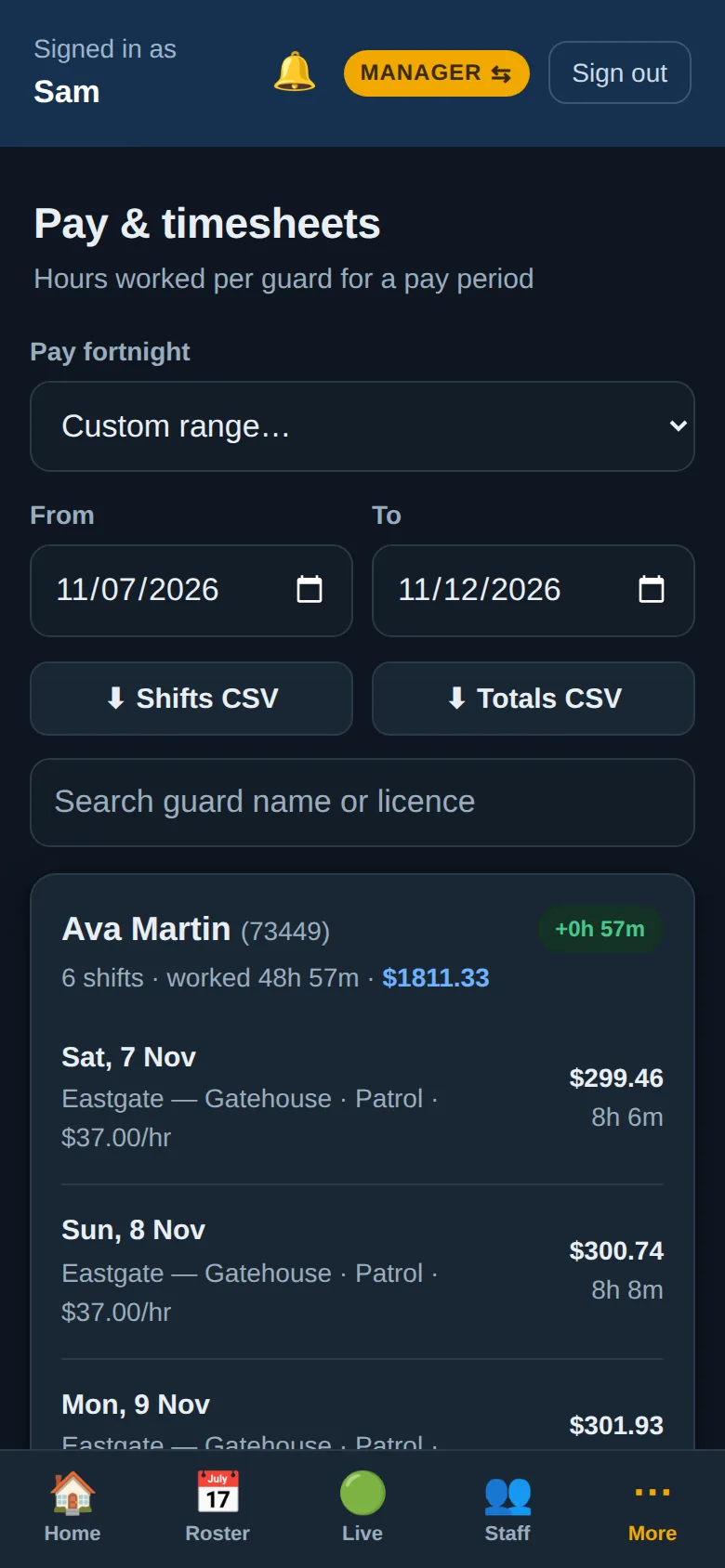
Worked hours from clock-ins, priced at each shift's rate, exported to CSV for your payroll.
Add a shift once and repeat it. Put several people on it in different positions, or leave slots open to fill later.


Offer a shift to a group and it lands on their phone. The first to accept gets the spot, and everyone else sees it's filled.
Staff clock in from their phone at the site, checked against the site's boundary. The live board shows every site and who's on it.


New staff onboard on their phone: details, licence and certificate uploads, your policies and a signed employment agreement.
Worked hours come straight from clock-ins, compared against the roster and priced at each shift's rate.

A roster holds addresses, licences, bank details and signatures. It's built to be treated that way.
Works in any modern browser and installs on phones, tablets and computers like an app.
No. Staff open your company's link in their phone's browser and add it to their home screen. It then opens like any other app, full screen, with notifications.
Yes, on iOS 16.4 and later, once the app has been added to the Home Screen and notifications are turned on. On Android they work in Chrome and in the installed app.
No. It gives you accurate timesheets — hours worked, rates and totals for each person for a pay period — and exports them to CSV for whatever payroll system you use.
Each site has a location and a boundary. Staff need to be inside the boundary when they clock in, and managers can correct times when needed. Every edit is logged.
Yes. Pick who to offer it to, and they're notified straight away. The first to accept is rostered on, and the shift shows as filled for everyone else.
Yes. Your company name, colours, policies and employment agreement are set in the app, and your team uses your own web address.
You can still sign in and see everything, but changes can't be saved until your account is activated. Nothing is deleted. Get in touch and we'll set you up.
On Cloudflare, in a database that belongs to your company alone, located in Cloudflare's Oceania region along with your files.
Your own company address in under a minute. Every feature, no card needed.
You'll be the administrator for your company. You can invite your team once you're in.
We'll walk you through a working example company and show you how your current roster would move across. No obligation.
We'll only use these details to arrange your demo.